Introduction to Hyperliquid
Hyperliquid is a decentralized perpetual futures exchange built on its own custom blockchain, Hyperliquid L1. It offers high-performance trading with low fees and deep liquidity for perpetual contracts. The platform is non-custodial, meaning you retain control of your funds at all times.
This guide will walk you through the entire registration process, explain which wallets and blockchains are supported, detail the KYC policy, and list available stablecoins.
Prerequisites
Before registering on Hyperliquid, you'll need:
- A compatible Web3 wallet (see supported wallets below)
- Some cryptocurrency to pay for gas fees
- A modern web browser (Chrome, Firefox, Brave recommended)
- Basic understanding of cryptocurrency transactions
Step-by-Step Registration Guide
1 Visit Hyperliquid Website
Navigate to the official Hyperliquid website at https://hyperliquid.xyz. Ensure you're on the correct website to avoid phishing scams.
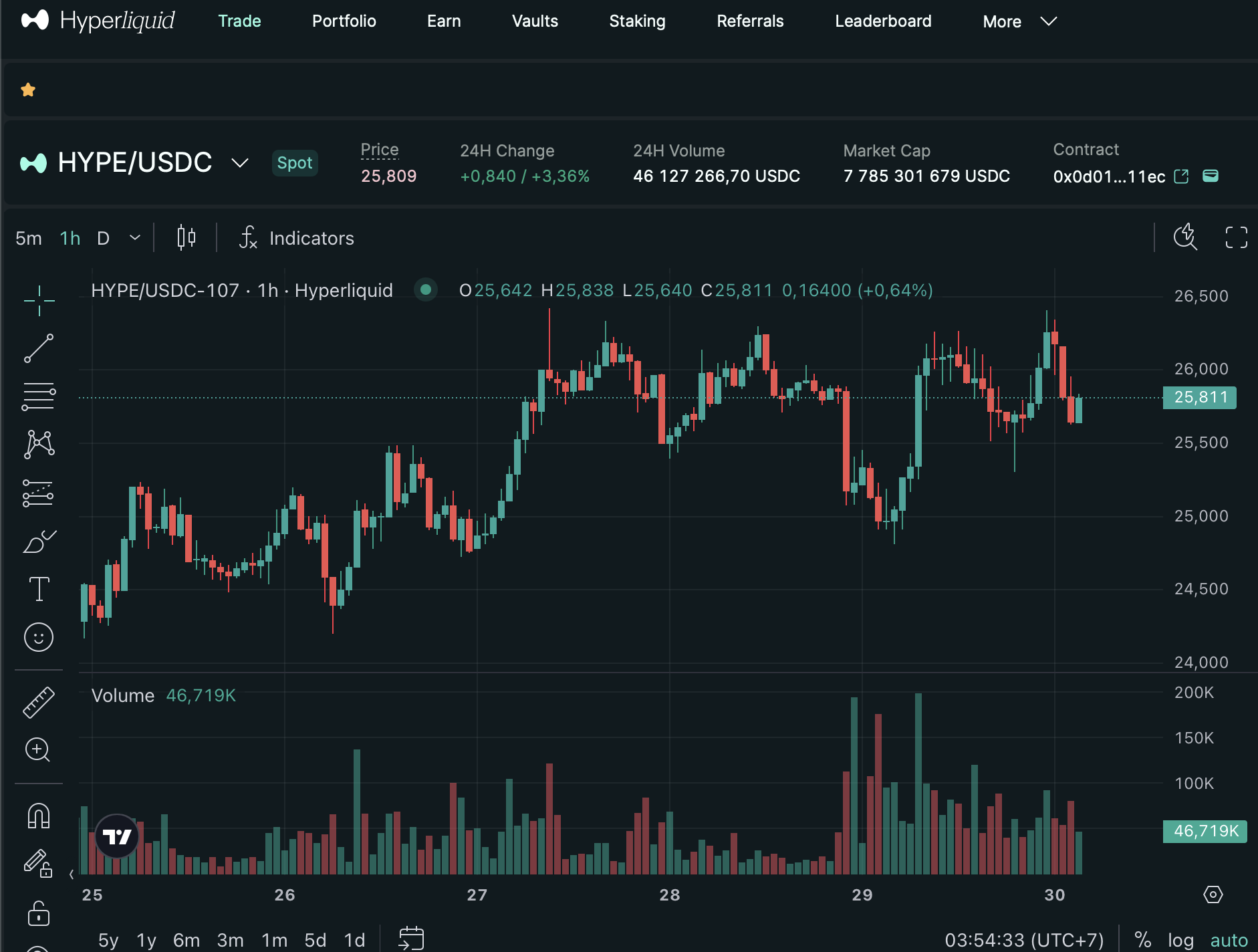
Hyperliquid homepage: Note the clean interface with trading pairs and wallet connection button.
2 Connect Your Wallet
Click the "Connect Wallet" button usually located in the top right corner of the website. Select your wallet from the list of supported options.
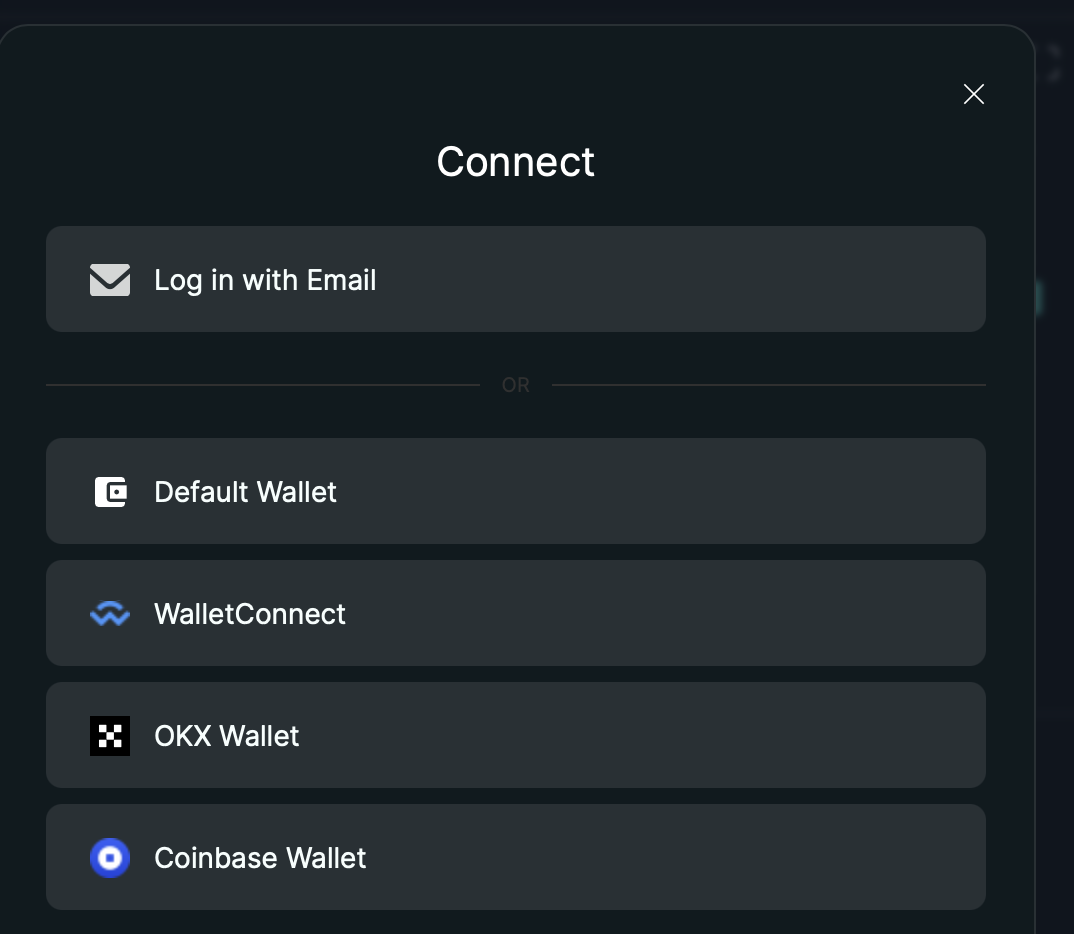
Wallet connection dialog: Choose from MetaMask, WalletConnect, or other supported wallets.
Note: Hyperliquid is a non-custodial platform. You're connecting your wallet, not creating an account with a username/password. Your wallet address IS your account.
3 Approve Connection
Your wallet will prompt you to approve the connection to Hyperliquid. Review the permissions and confirm the connection. You may also need to sign a message to verify wallet ownership.
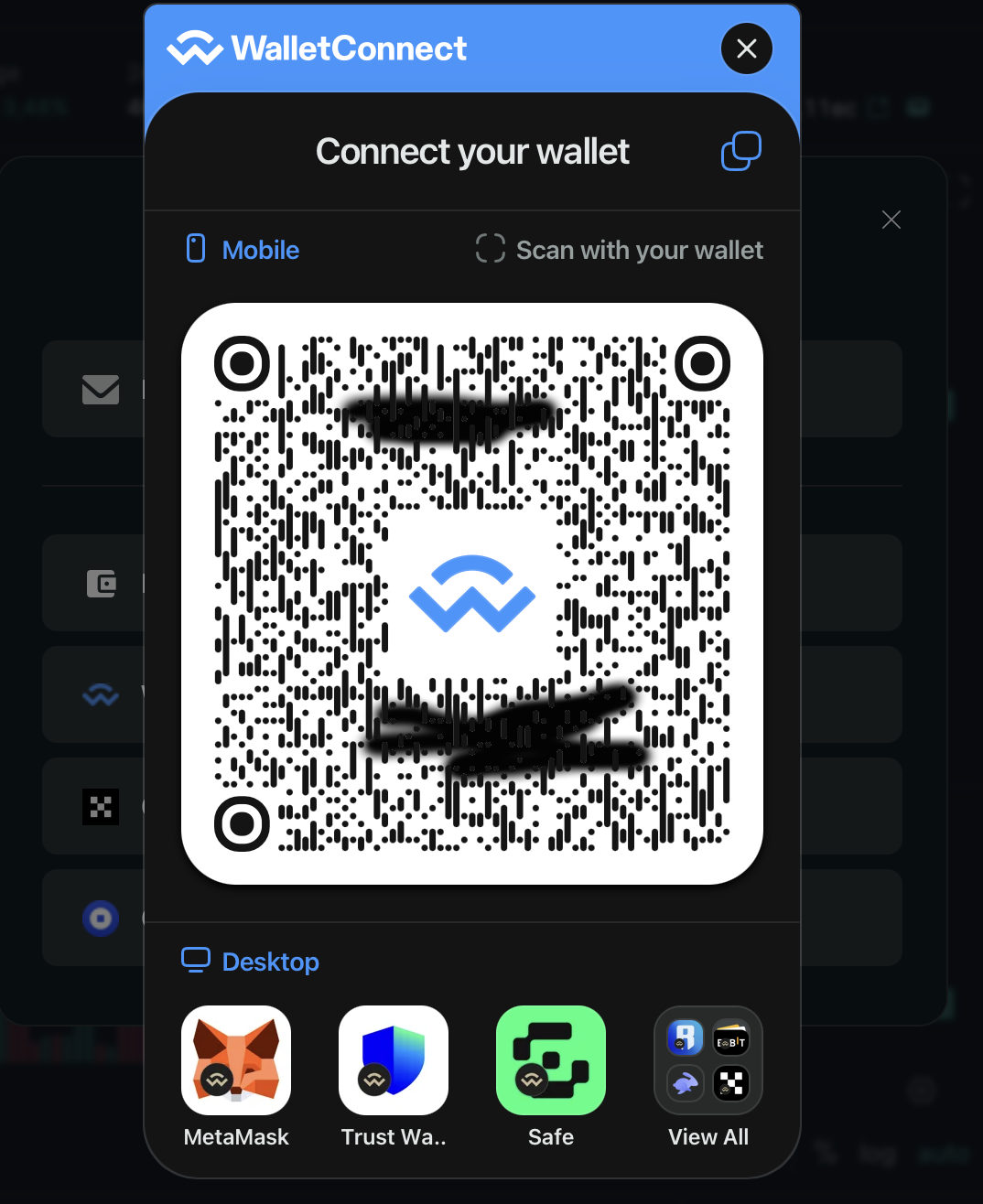
Wallet confirmation: MetaMask popup requesting connection approval to Hyperliquid.
4 Fund Your Account
Once connected, you need to deposit funds to start trading. Hyperliquid supports deposits from various networks. Go to the "Deposit" section and follow instructions to transfer funds.
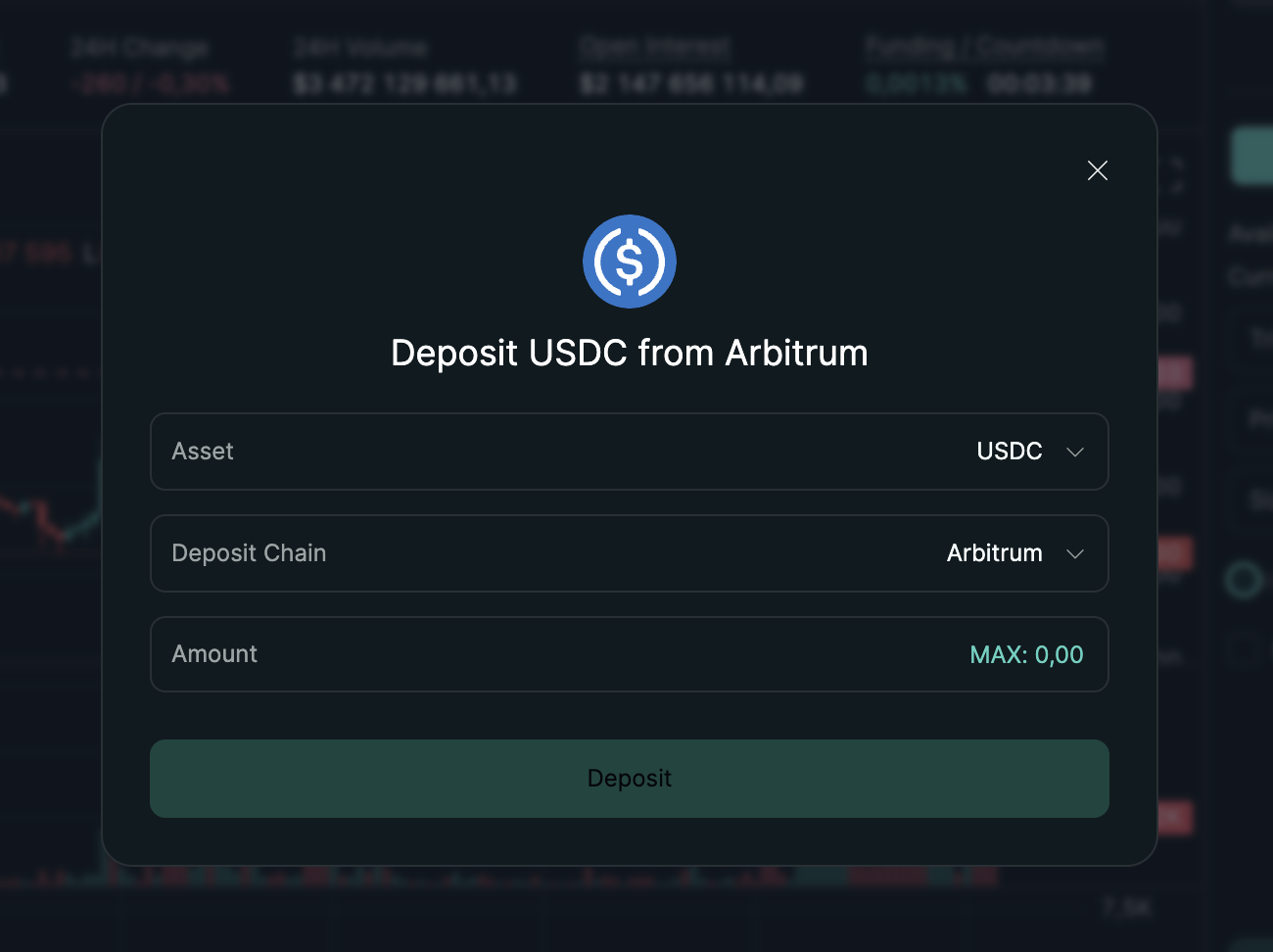
Deposit interface: Select network and token, then copy the deposit address or use the QR code.
5 Start Trading
After your deposit is confirmed (usually within minutes), you can navigate to the trading interface and start trading perpetual futures on Hyperliquid.
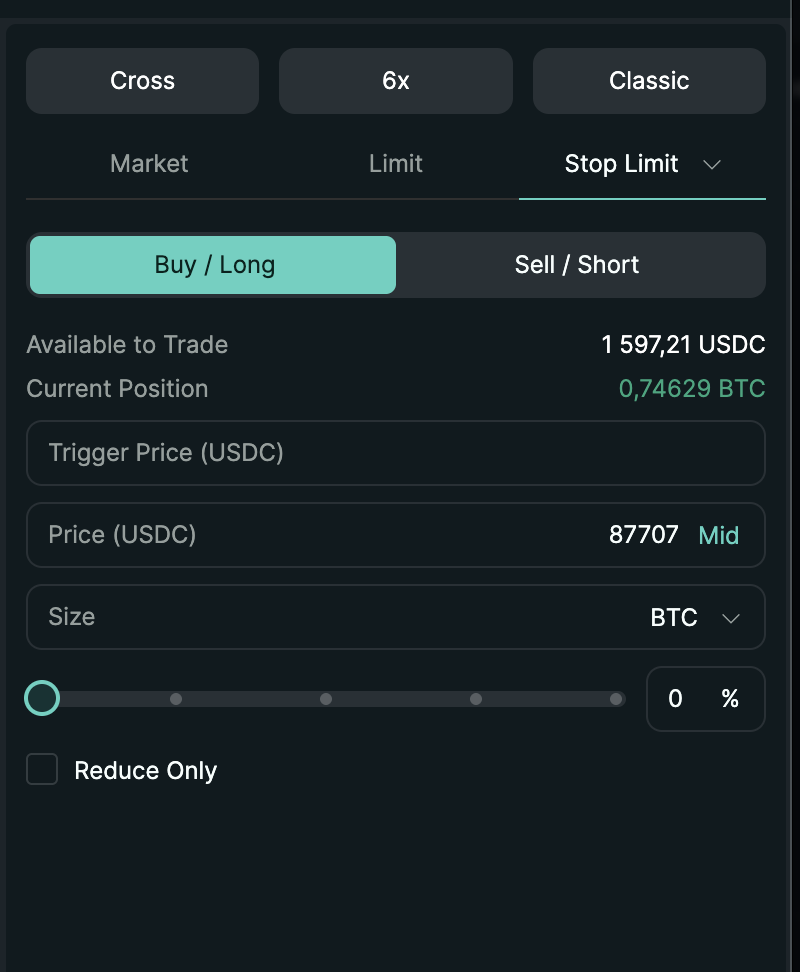
Trading interface: Advanced charting, order book, and trading panel for perpetual futures.
Supported Wallets
Hyperliquid supports several popular Web3 wallets. Here are the main options:
MetaMask
Browser extension & mobile app
WalletConnect
Multiple wallet support
Coinbase Wallet
Browser & mobile
Ledger
Hardware wallet
Security Tip: For large amounts, always use a hardware wallet or dedicated device. Never share your private keys or seed phrase with anyone.
Supported Blockchains for Deposits
Hyperliquid operates on its own blockchain (Hyperliquid L1), but accepts deposits from multiple networks:
| Blockchain | Deposit Time | Notes |
|---|---|---|
| Hyperliquid L1 | Instant | Native chain, no bridging needed |
| Ethereum | 5-15 minutes | Via official bridge |
| Arbitrum | 2-5 minutes | Fast and low-cost deposits |
| Polygon | 2-5 minutes | Low transaction fees |
| Base | 2-5 minutes | Coinbase's L2 |
KYC Policy
Hyperliquid currently does not require KYC (Know Your Customer) verification for trading. This is a key feature for users prioritizing privacy and decentralization.
No KYC Required: You can trade on Hyperliquid completely anonymously using just your Web3 wallet. There are no identity verification procedures.
However, note the following important considerations:
- Withdrawal limits may apply for unverified accounts
- Future regulatory changes could affect this policy
- Some features (like fiat on-ramps) might require verification
- You are responsible for complying with your local regulations
Available Stablecoins
Hyperliquid supports several stablecoins for trading and deposits. These include:
| Stablecoin | Blockchain | Use Case |
|---|---|---|
| USDC | Multiple (Native on Hyperliquid L1) | Primary trading pair, deposits, withdrawals |
| USDT (Tether) | Multiple | Trading and deposits |
| DAI | Ethereum, Arbitrum | Decentralized stablecoin option |
| PYUSD | Ethereum | PayPal's stablecoin |
Tip: USDC is the primary stablecoin on Hyperliquid and offers the deepest liquidity. For the best trading experience, consider using USDC.